
Your account
Where do I find updates and messages from Barcode Rocket?
Answer
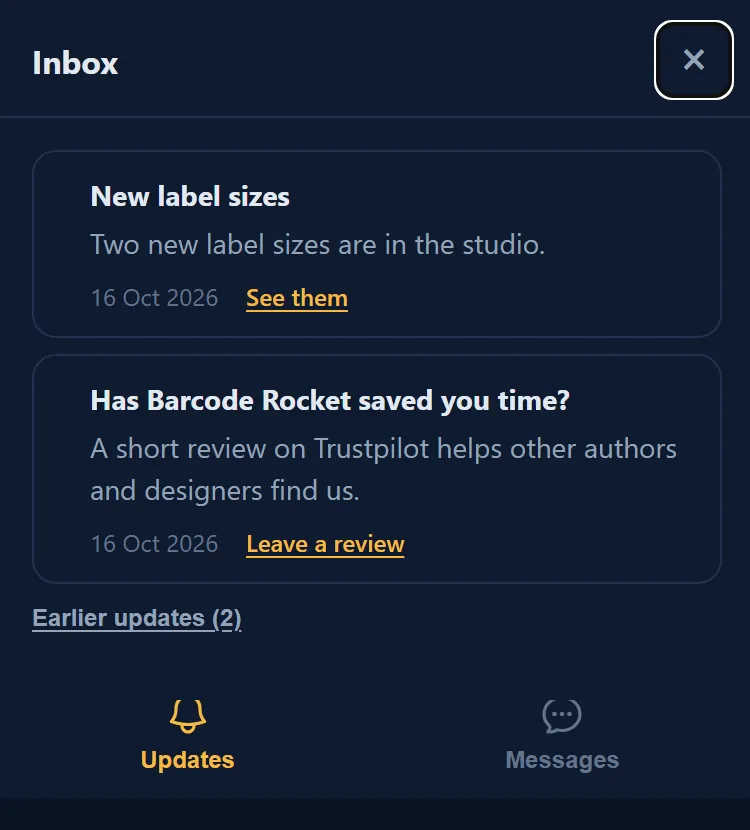
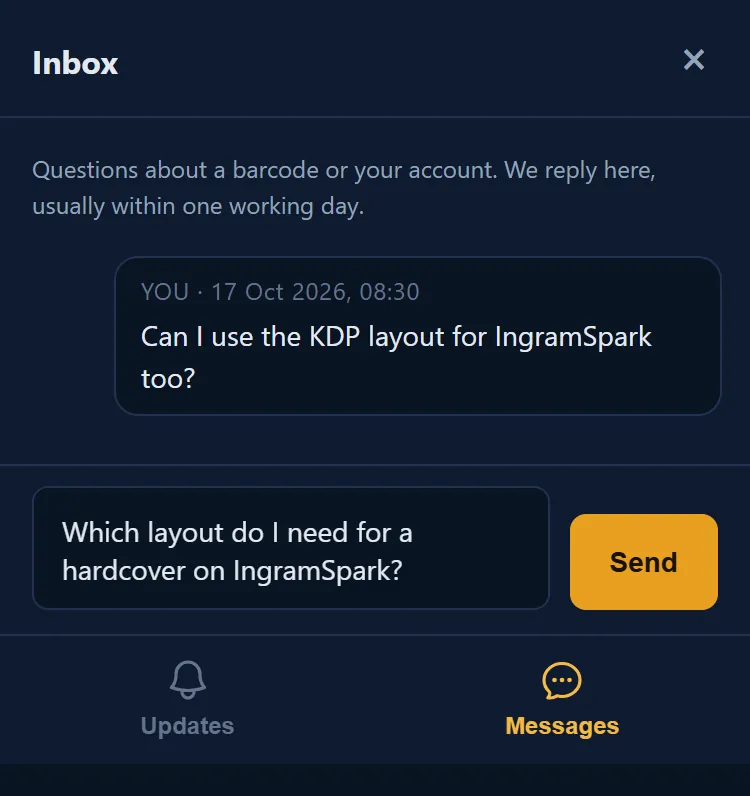
Updates and messages from Barcode Rocket are in the Inbox on your dashboard. It has two tabs: Updates, with short news from us, and Messages, where you write to us and our reply appears. We do not send these by email; a number on the Inbox button shows when something is new.
Updates
Short notes from us: your welcome note with what the free account includes, changes to the terms, new features. The two newest are shown; older ones wait under Earlier updates. Nothing is deleted. A new one has a dot.
Messages
- Click Inbox on your dashboard, then the Messages tab.
- Type your question and click Send.
- Our reply appears in the same place, with a number on the Inbox button.

Which way to write
- About a barcode or your account: the Messages tab.
- A new barcode type or a custom design: the Custom barcode card under the studio (Request a type).
- An idea or something not working: Send feedback at the bottom of the dashboard.
Why it matters
Your question and our answer stay together, next to your barcodes. You do not have to look for an email.