
QR codes
Can I ask for a new text under the QR code?
Answer
Yes. If none of the ready texts under the QR code fits your book, ask Barcode Rocket for a new one through the contact form with the topic "A new text under the QR code". We collect the ideas, and the texts authors ask for most may be added for everyone.
Steps
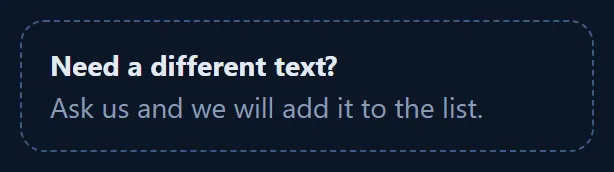
- In the QR code group, under the list of texts, click Need a different text?
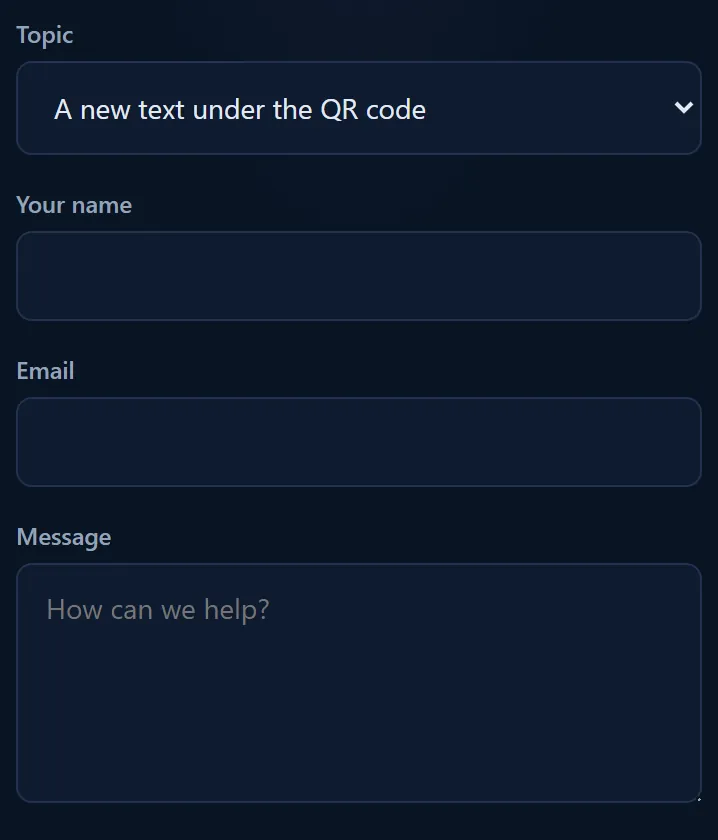
- The contact page opens with the topic A new text under the QR code already chosen.
- Write the text you want, add your name and email, and send.
You can also open the contact form with this topic directly.
What happens next
New texts are added a few at a time. When a new one is added, it shows in the list under Text under the QR code for everyone.
Why you cannot type your own text
Each text is drawn by hand as print-ready shapes, so it prints sharp and every letter is right at that small size. Asking us is how the list grows.