
Your account
How do I download a barcode again?
Answer
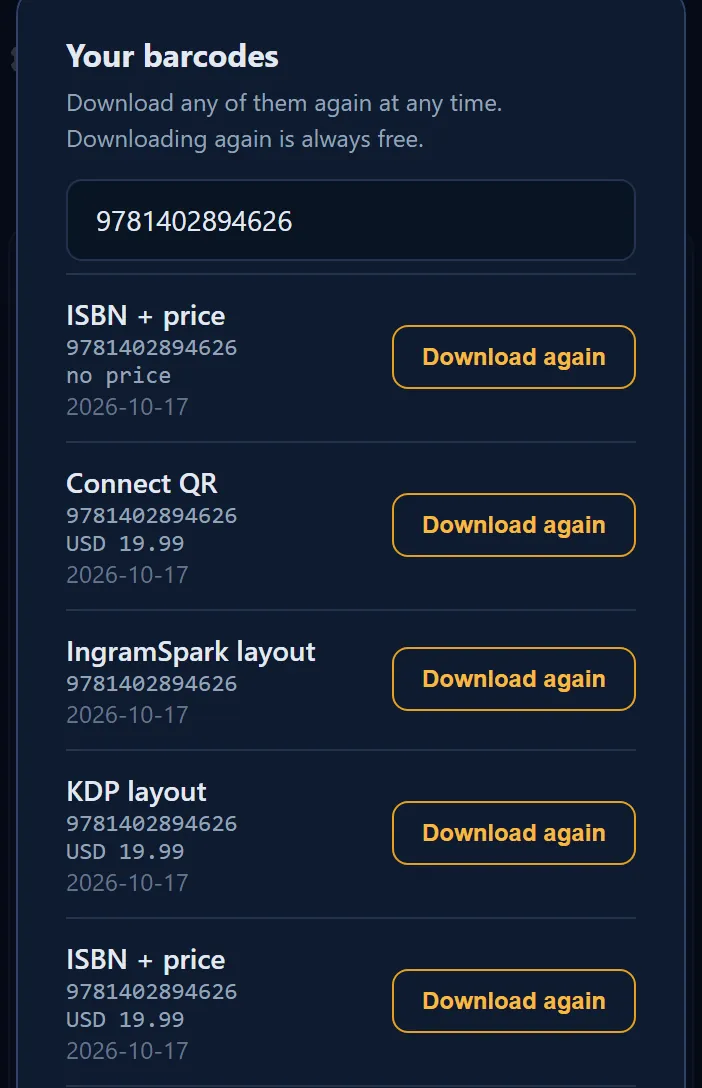
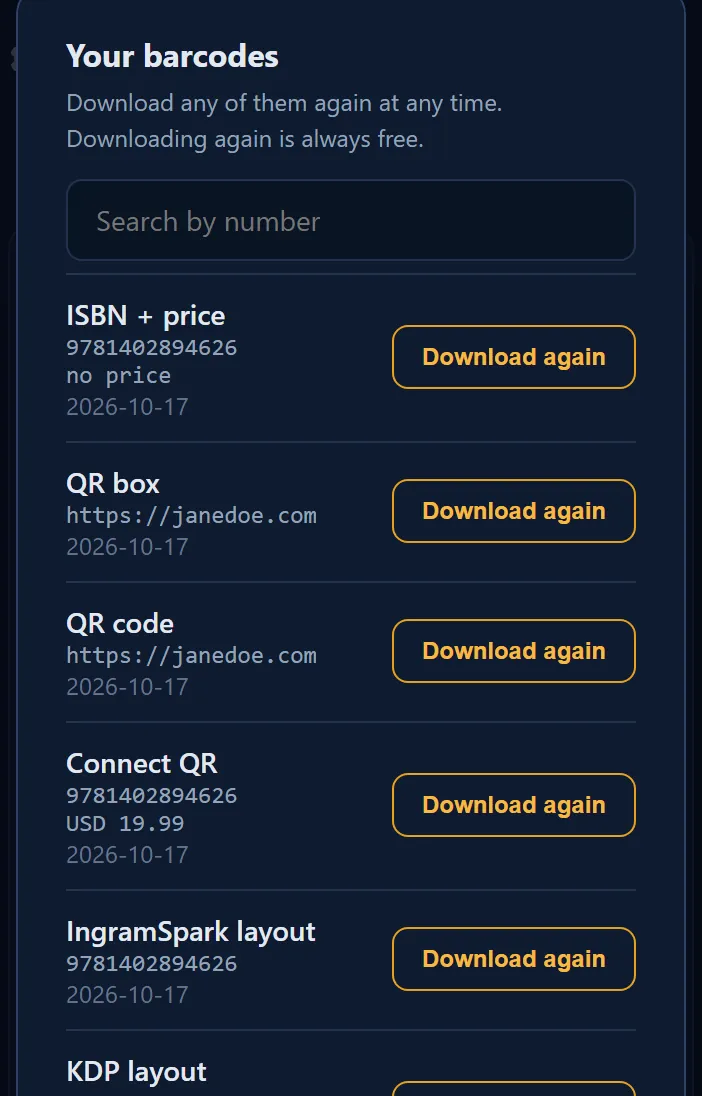
Every barcode you make with a Barcode Rocket account is saved in History, newest first. To get a file again, click History at the top of your dashboard, find the barcode and click Download again. Downloading again is free and does not count toward any limit.
Steps
- Click History at the top of your dashboard.
- Find the barcode. To search, type part of the number or the link in Search by number.
- Click Download again.
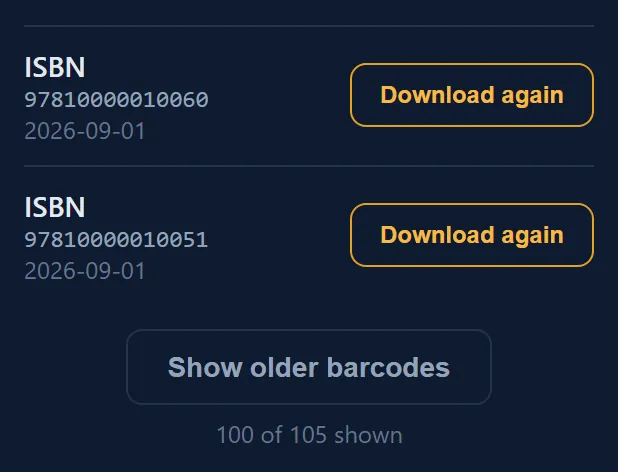
- For older barcodes, click Show older barcodes at the bottom.

Good to know
- You get the file made fresh from the saved recipe. We never keep the PDF itself.
- Barcodes you make through Claude show here too.
- The price is part of the barcode. A new price means a new barcode: make it in the studio again.
When a row says "Make it again in the studio"
A few old rows have no Download again button. These are Connect QR labels and QR boxes made before the site started saving the full recipe. Their QR link, genre or text was not saved, so the file cannot be made again. Make them once more in the studio; from then on they can be downloaded again.
Why it matters
You lose a file, your designer asks again, or you print a new edition: one click, no new count.