
Your account
How do I hide barcode types I never use?
Answer
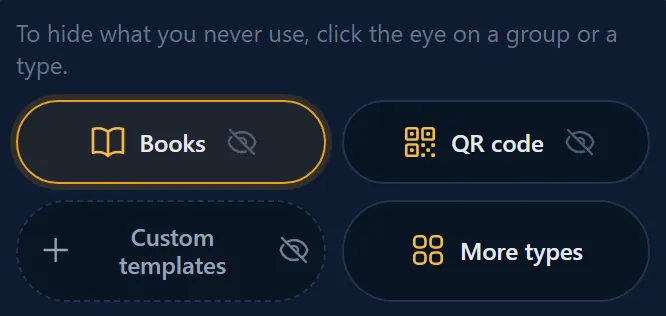
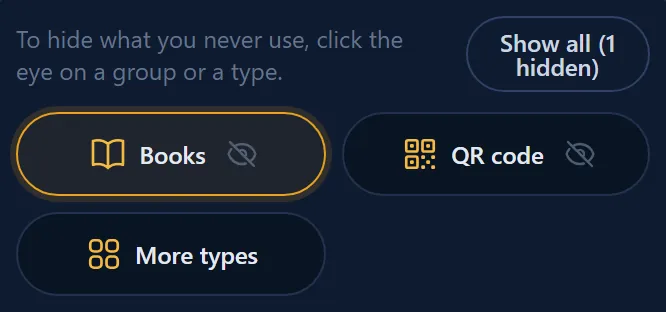
To hide a barcode group or type you never use in the Barcode Rocket studio, click the small eye next to it. To bring everything back, click Show all above the groups; it says how many are hidden. This works when you are signed in, and hiding never deletes anything.
Steps
- Sign in and open your dashboard.
- Find the small eye on a group or a type.
- Click the eye. The group or type is hidden.
- To bring everything back, click Show all above the groups.

Your "I am…" answer
After you sign up, the "I am…" question hides the types you probably do not need. If you answered Author / self-publisher, Book designer, Publisher / publishing house or clicked Skip, the product, carton and GS1 Composite types are hidden, and More barcode types does not appear at all. Click Show all above the groups to bring them back. You can change the answer under Your role on your account page. Saving it replaces what you hid in the studio.
More barcode types
Product, carton and GS1 Composite barcodes are under More barcode types. Click it to open them. See How do I make EAN, UPC and carton barcodes?
Why it matters
Fewer buttons, fewer wrong choices. Nothing is lost: hiding never deletes anything.