
Book barcodes
How do I make an IngramSpark barcode?
Answer
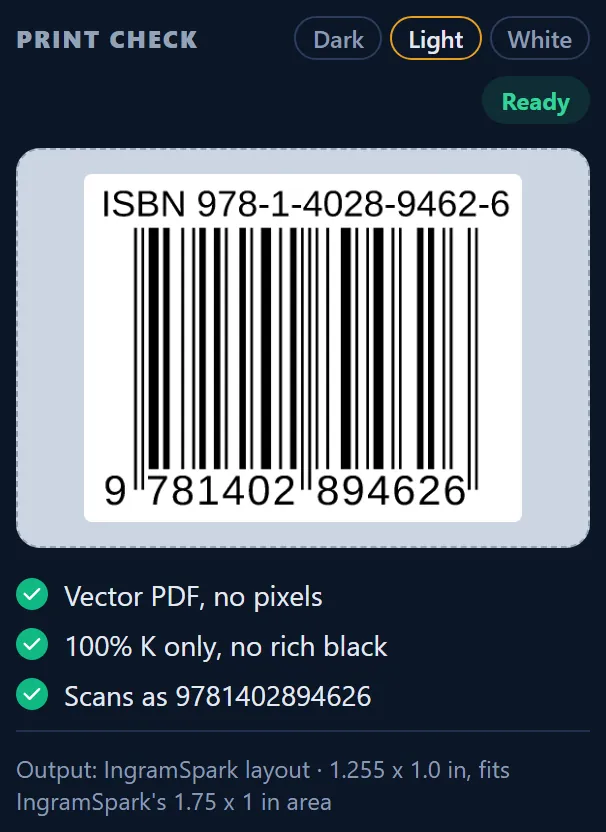
Barcode Rocket makes an IngramSpark barcode as a 1.255 x 1.0 in vector PDF with plain ISBN bars and no price add-on. It fits the 1.75 x 1 in barcode area of the IngramSpark cover template. It is drawn at 80%, the size we measured on the barcode in IngramSpark's own template. It is free and needs no account.
Steps
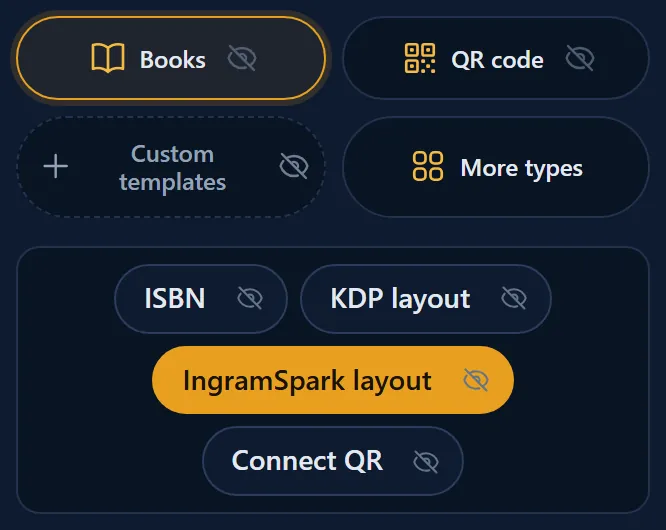
- Click Books, then IngramSpark layout.
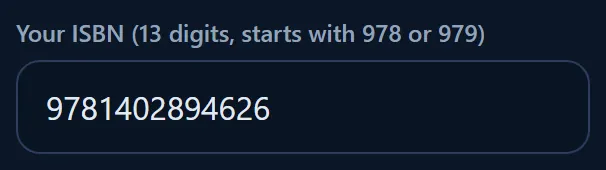
- Type your ISBN.
- When PRINT CHECK says Ready, click Download vector PDF.
- Place the file in the barcode area of your IngramSpark cover template, at 100%.
What is in the file
- The ISBN as bars and as text, with no price add-on.
- Black only (100% K), on a white box.
- The bars are drawn a hair thinner, to make up for ink that spreads on paper.
- The file name ends in IngramSpark, for example ISBN-9781402894626-IngramSpark-barcoderocket.pdf.
Common mistakes
- Do not scale the file down further. It is already at 80%.
- Do not move it out of the template's barcode area, and do not put it in the bleed.
Why it matters
IngramSpark wants black only, on white, in its own area of the template. A file drawn at the size of the barcode in IngramSpark's own template fits that area without any scaling, so the bars keep their exact width.