
Your account
How does Rocket Pass work?
Answer
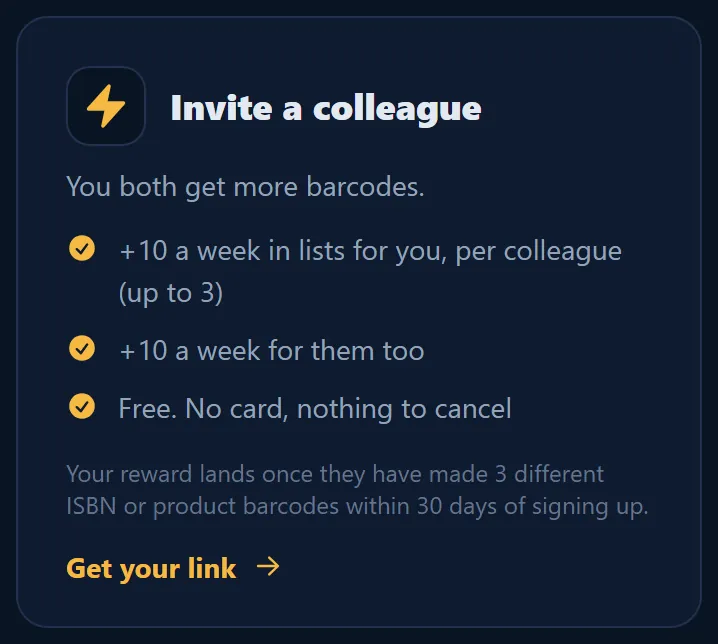
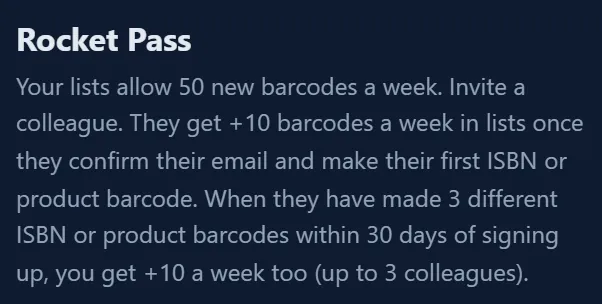
Rocket Pass is the invite link of Barcode Rocket. A colleague who joins with your link gets +10 new barcodes a week in lists once they confirm their email and make their first ISBN or product barcode. When they have made 3 different ISBN or product barcodes within 30 days of signing up, you get +10 a week too, for up to 3 colleagues.
Steps
- On the dashboard, click the Invite a colleague card.
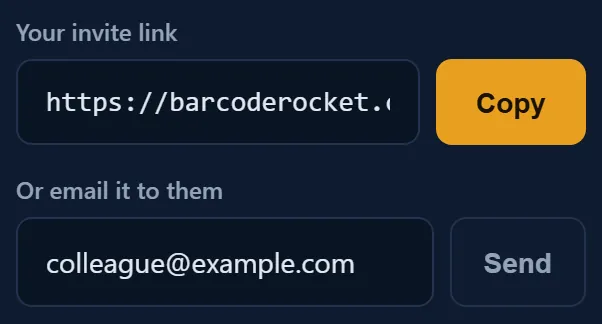
- Click Copy to copy your personal link, or type their email and click Send.
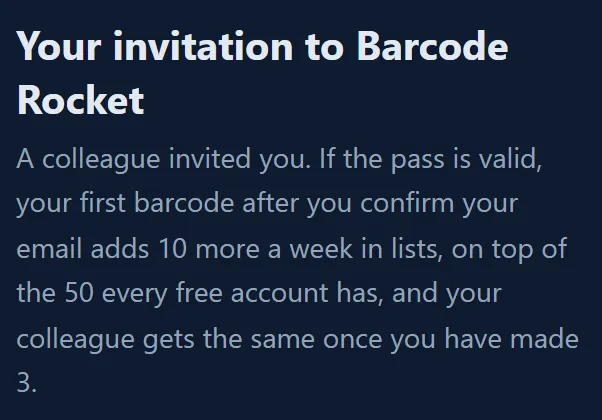
- Your colleague signs up with the link, confirms their email and makes their first ISBN or product barcode. They get their +10 a week in lists.
- When they have made 3 different ISBN or product barcodes within 30 days of signing up, you get +10 a week too.
Rules
- Your link works once your email is confirmed.
- Only ISBN and product barcodes count, for your colleague's first barcode and for the 3. The KDP, IngramSpark and Connect QR layouts count, because they hold an ISBN. Plain QR codes and the QR box do not count.
- Most rewards arrive at once. Some invites are checked by hand first; they show Under review until then.
- Up to 3 colleagues earn you a reward. After that, colleagues you invite still get their bonus, but you get no more.
- The bonus is extra free allowance. It has no cash value.
Following your invites
Under your link, each invitation shows how far it is, for example Invited, In progress or Reward earned. Your account page shows your Rocket Pass bonus.
The full rules are in the Terms, section 5 (Rocket Pass).
Why it matters
Book people work in teams: an author, a designer, an editor. If you share the tool, the free allowance grows with you.