
Publishers and API
Can I get a barcode with my logo or my own layout?
Answer
Yes. Barcode Rocket makes custom templates on request: a barcode label with your logo or other additions, other sizes and standards, made to your printer's specification. Once we agree on it, it is enabled for your account and shows first in your studio, under Your templates.
Steps
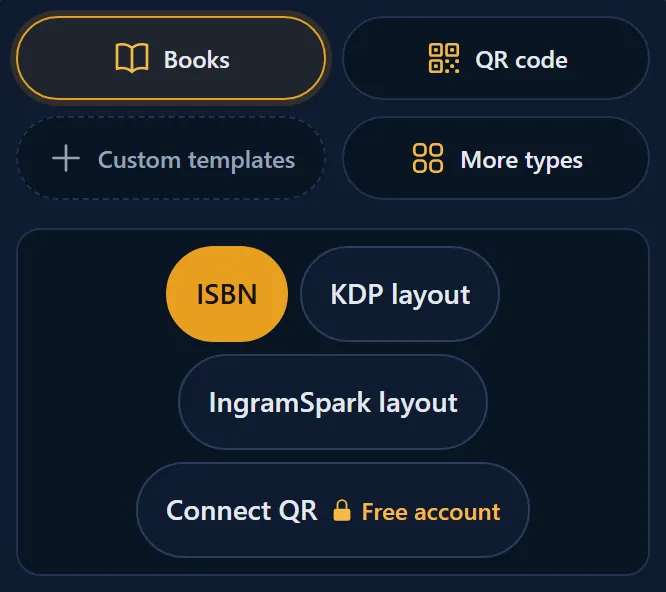
- In the studio, click the Custom templates tile ("Your logo, your layout").
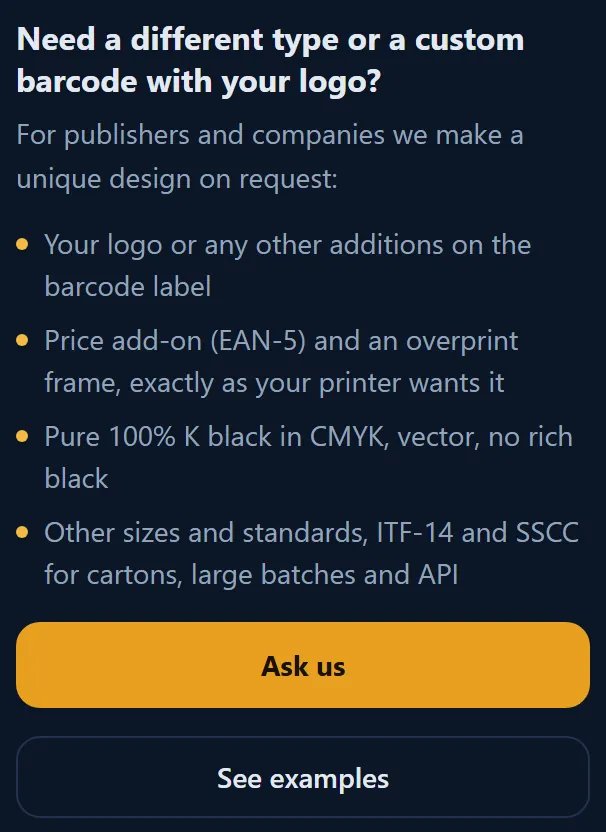
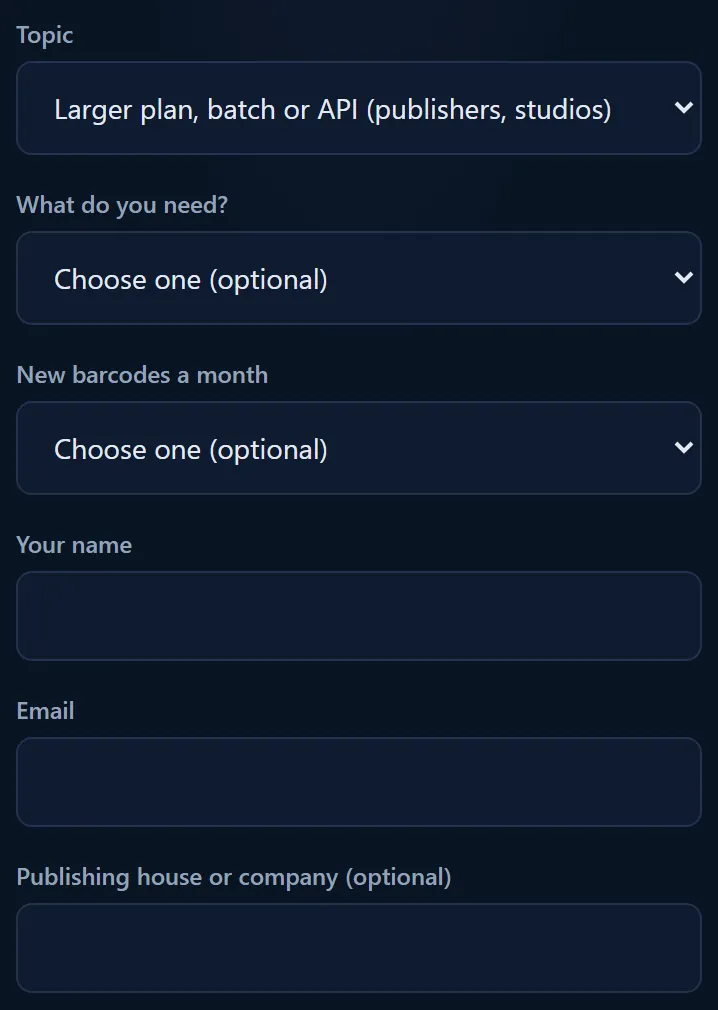
- Read what can be made, then click Ask us. The contact form opens with the topic for larger plans.
- Tell us what you need: your logo, the size, the barcode type and your printer's rules.
- Click See examples to see what we have made for publishers.
What can be made
- Your logo or other additions on the barcode label.
- The price add-on and an overprint frame, exactly as your printer wants them.
- Pure 100% K black, vector, no rich black.
- Other sizes and standards, ITF-14 and SSCC for cartons, large batches and API.
Price
Custom templates are a paid service, agreed in writing case by case and billed by invoice. See the Terms, section 11 (Paid services).
After it is made
The template shows first in your studio, under Your templates. Through the API, it is enabled for your key only. See Is there an API for publishers and printers?
More for publishers: For publishers.