
Getting started
What is Barcode Rocket?
Answer
Barcode Rocket is a free web tool that turns a number you already own, such as your book's ISBN, a product number or a link, into a barcode file a printer can use. You type the number, the site checks it, and you download one vector PDF printed with the black ink only (100% K bars). You or your designer then place that file on the cover.
What you can make
- Book barcodes: your ISBN as a barcode, with or without the small price barcode next to it, and ready layouts for Amazon KDP and IngramSpark covers.
- QR codes: a plain QR code that opens your link, and two ready labels with a free account: Connect QR and the QR box.
- Product and carton barcodes with a free account: EAN-13, UPC-A, UPC-E, EAN-8, GS1-128 and GS1 Composite.
How the studio works
The studio is the tool on the home page, and on your dashboard when you are signed in. It always works the same way:
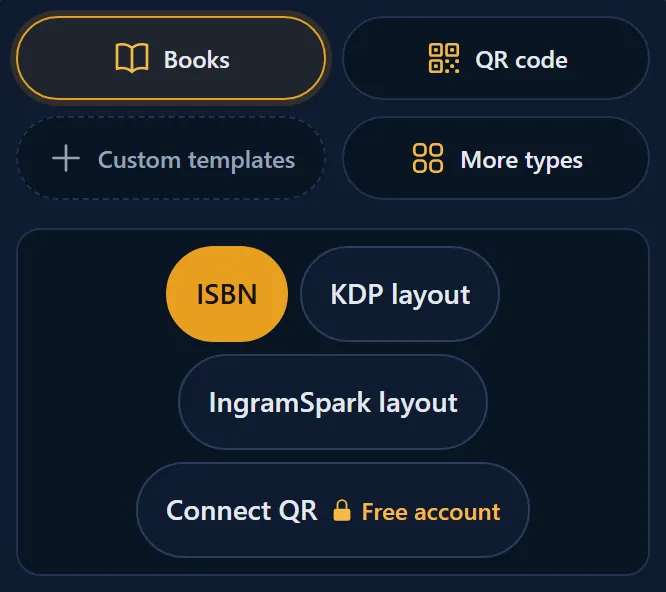
- Pick a group at the top, for example Books or QR code.
- Pick a type, for example ISBN or KDP layout.
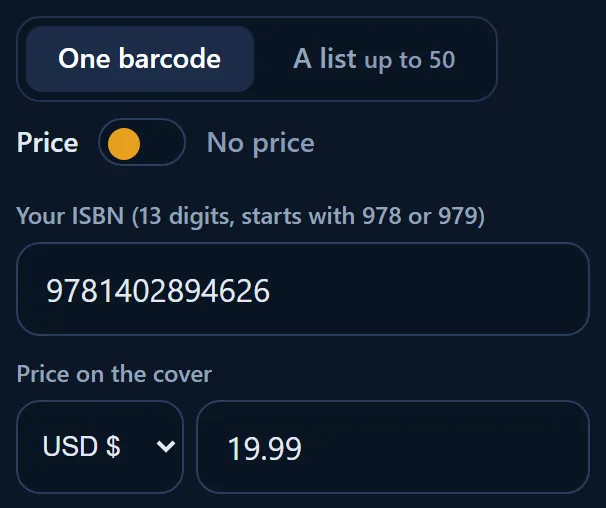
- Type your number. A picture of the barcode appears when the number is complete.
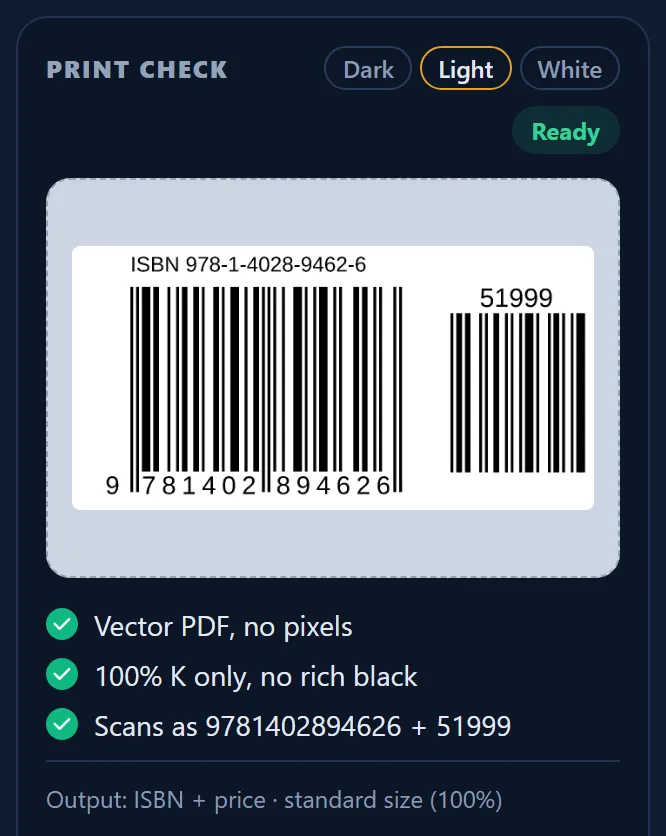
- Look at PRINT CHECK on the right (under the fields on a phone).
- Click Download vector PDF.
What Barcode Rocket does not do
- It does not sell ISBNs or product numbers, and it never makes one up for you. Get your ISBN from the ISBN agency of your country, for example Bowker in the US or Nielsen in the UK and Ireland.
- It does not keep your PDF. With an account it keeps only the recipe (type, number, price, link, text), so it can make the same file again for you.
Why it matters
Printers reject barcodes that are blurry, in a black mixed from several inks, or the wrong size. Every file from Barcode Rocket is vector, printed with the black ink only and the right size, so you do not need to know the print rules to get it right.