
Book barcodes
How do I make an ISBN barcode for my book?
Answer
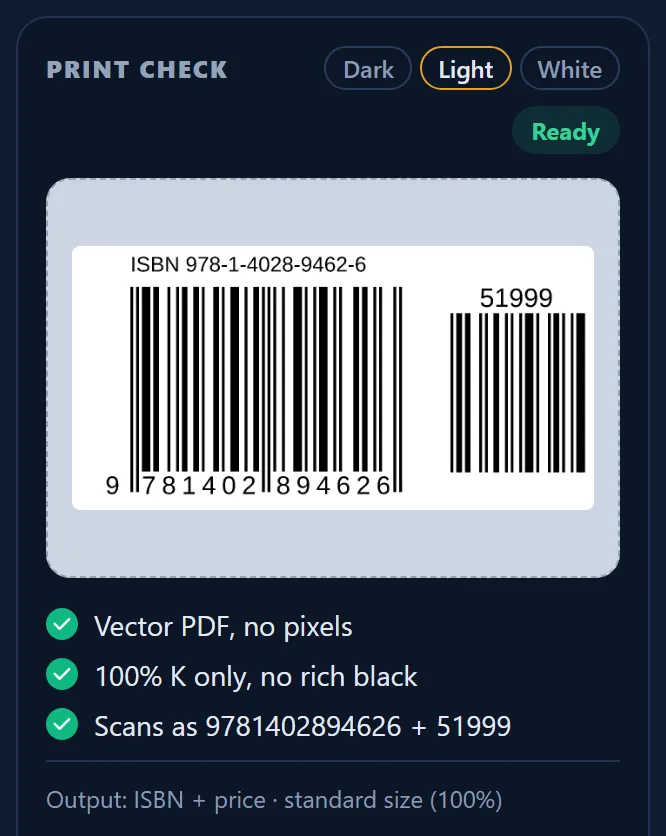
To make an ISBN barcode on Barcode Rocket, click Books, then ISBN, choose Price or No price, and type your 13-digit ISBN. The vector PDF has your ISBN as bars, with the small price barcode next to it on Price, or without it on No price. It is free and needs no account.
Steps
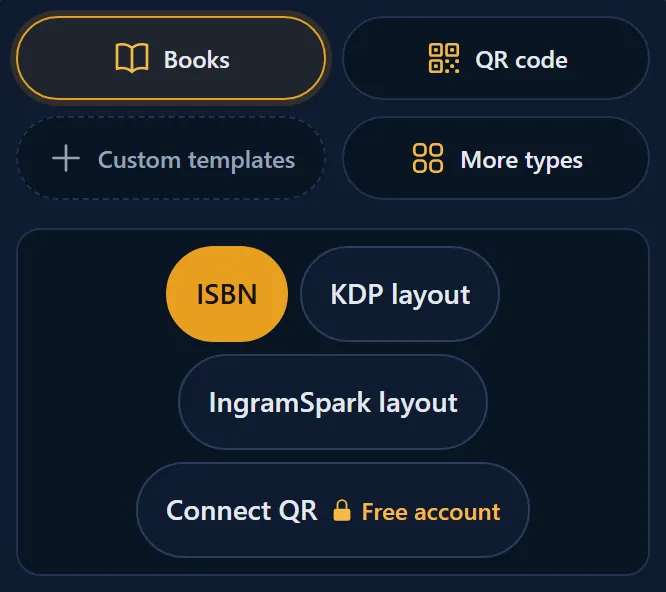
- Click Books, then ISBN.
- Use the switch at the top: Price or No price. Price is the usual choice.
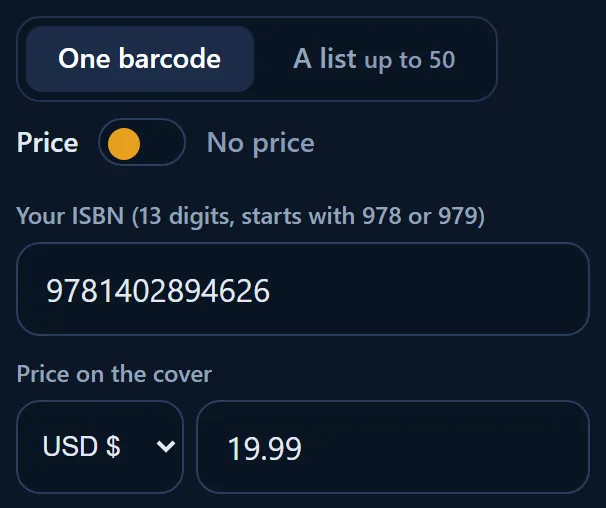
- Type your 13-digit ISBN. Hyphens and spaces are fine.
- On Price, choose the currency (US dollar, British pound, Canadian dollar or euro) and type the price, for example 19.99. Leave the price empty to get 90000, the code for "no price". A euro price also gives 90000, because there is no price code for euros.
- When PRINT CHECK says Ready, click Download vector PDF.
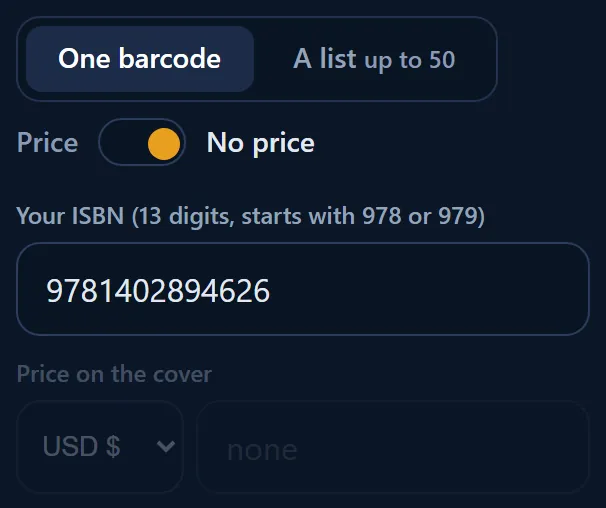
On No price, the price box is grayed out and the file has the ISBN bars only, with no small barcode next to them.
Price, 90000 or no price?
- Price with a price typed: the small barcode holds your price, for example 51999 for US$19.99.
- Price with the price empty: the small barcode says 90000, which means "no price set". It is always correct, even when your price changes.
- No price: no small barcode at all, for printers and markets that want the ISBN bars only.
If you are not sure, choose Price and leave the price empty. See What is EAN-5, the price add-on?
Requirements
- An ISBN-13 that starts with 978 or 979. Each format of your book (paperback, hardcover, large print) has its own ISBN.
- Barcode Rocket does not sell ISBNs. Get yours from the ISBN agency of your country.
Why it matters
Many US bookstores expect the price barcode. With 90000 you have it without promising a price, so the barcode stays correct if the price changes or the book sells in several countries.